

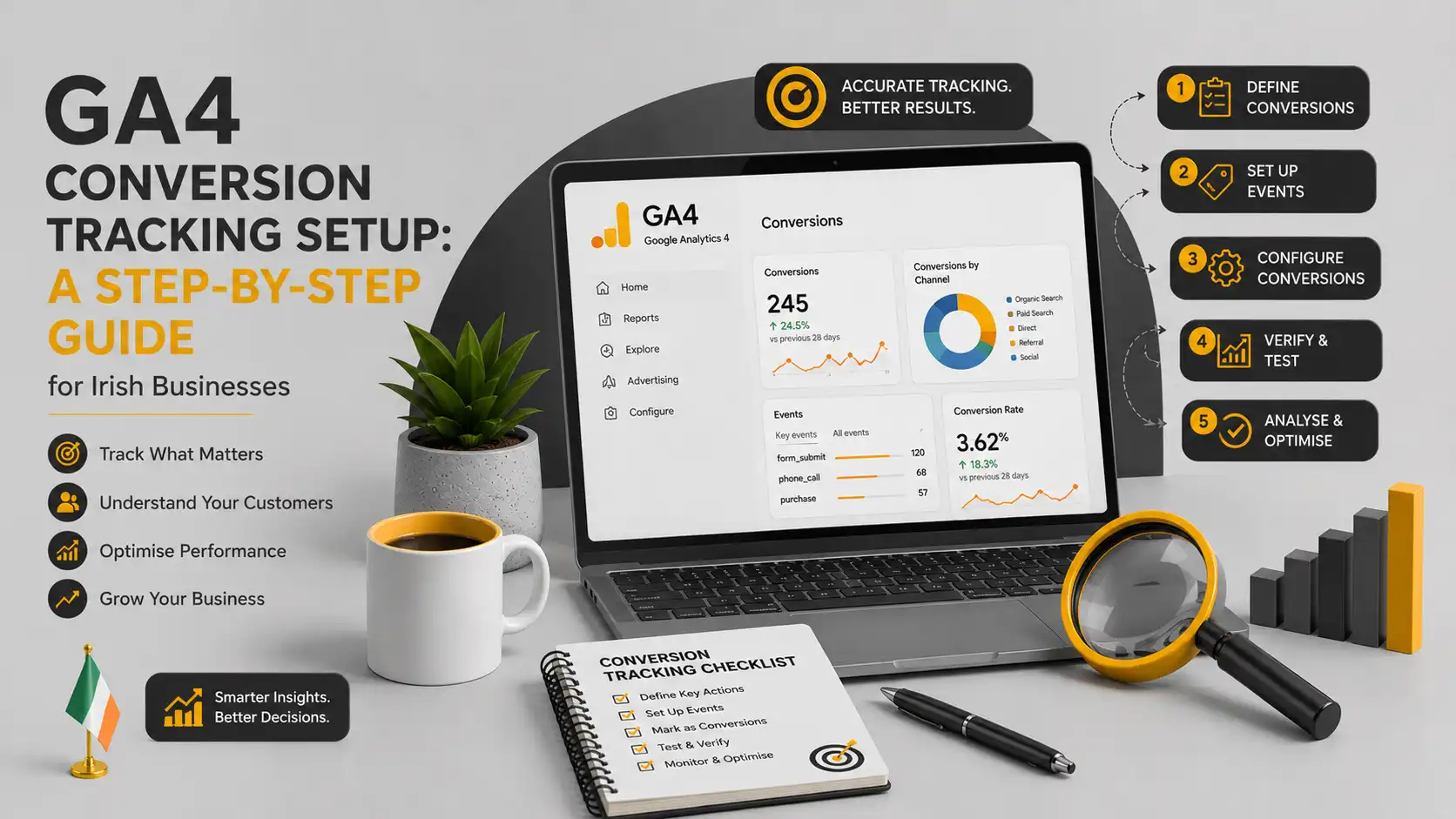
If you’ve logged into Google Analytics 4 recently looking for your conversions and come up empty, you’re not losing your mind. Google renamed conversions to “key events” back in 2024, and a proper GA4 conversion tracking setup is still something a lot of Irish businesses have never actually finished. They installed GA4 when Universal Analytics was switched off, ticked the box, and assumed the tracking would sort itself out. It doesn’t.
This guide walks through what GA4 conversion tracking actually involves, step by step, and where Irish businesses tend to get it wrong.
Why this trips up so many Irish businesses
Here’s the thing that catches people out: GA4 doesn’t automatically know what a “conversion” is for your business. Universal Analytics let you set goals in a fairly intuitive way. GA4 works differently. It tracks everything as an event first, and you have to tell it which of those events actually matter.
For an e-commerce site, that might be obvious: a purchase is a purchase. For a services business, it’s murkier. Is a conversion a form submission? A phone call? A WhatsApp click? A brochure download? If nobody’s told GA4 which of these to count, you’re running a business and reporting on traffic numbers that mean almost nothing.
Add in the fact that Google Ads and GA4 don’t always agree on the numbers even once tracking is set up correctly, and it’s easy to see why so many owners just stop trusting their analytics altogether.
Key events vs conversions: what GA4 actually calls this now
Google renamed “conversions” to “key events” inside GA4 in March 2024. The change was permanent and platform-wide. Every screen, every report, every menu that used to say “conversion” now says “key event.” Functionally, nothing changed. A key event is still just a regular event you’ve flagged as important enough to measure and report on.
Where it gets confusing is that Google Ads kept using the word “conversion.” So in practice: inside GA4, you mark something as a key event. When you send that data to Google Ads for bidding purposes, it becomes a conversion again. Same underlying action, different label depending on which tool you’re looking at. Once you know that, half the confusion disappears.
What you need before you start
Before touching anything, you’ll want:
- Admin or Editor access to your GA4 property
- A clear list of what actually counts as a lead or sale for your business
- Access to Google Tag Manager, if you’re using it (and most sites should be)
- Admin access to your Google Ads account, if you’re running paid search
If you’re not sure your GA4 property is even collecting data correctly, that’s worth confirming first. It’s a more common problem than people expect, and it undermines everything built on top of it.
Setting up GA4 conversion tracking, step by step
- Confirm GA4 is installed correctly.
Open GA4, go to Reports and check whether real-time data is showing when you browse your own site. If nothing appears, your tracking code either isn’t firing or is set up incorrectly, and that needs fixing before anything else matters.
- Decide which actions genuinely matter.
Write down the two or three things that actually represent business value: a completed enquiry form, a phone call from the website, a purchase. Resist the urge to mark everything as important. GA4 lets you track up to 30 key events per property, but more isn’t better. Diluting the list makes your reporting harder to read, not easier.
- Mark events as key events.
Go to Admin, then Data display, then Events. Find the event you want to promote and click the star icon next to it. A filled star means it’s now a key event. Note that GA4 only counts activity from the point you turn it on, it won’t backfill historical data.
- Set up tracking for events that don’t fire automatically.
Purchases and some page views are picked up automatically. Form submissions, phone number clicks and WhatsApp buttons usually aren’t, and need to be configured manually. This is where Google Tag Manager earns its keep. If you’re not comfortable building triggers and tags yourself, this is the step where most non-technical business owners get stuck, and it’s a fair reason to bring someone in rather than leave the gap unfilled.
- Link GA4 to Google Ads and import your key events.
In GA4’s Admin panel, connect your Google Ads account under Product links, then import the key events you want Google Ads to optimise towards. This is what allows your ad spend to actually chase the outcomes you care about, rather than clicks alone.
- Check your consent setup.
This is where a lot of generic guides fall short for an Irish or EU audience. If your site uses a cookie consent banner, GA4 needs Google’s consent mode configured correctly, or you’ll be measuring only a fraction of your real traffic before visitors respond to the banner. It’s worth checking this specifically rather than assuming your cookie tool handles it by default.
- Test before you trust it.
Use GA4’s DebugView, or simply submit a test form and make a test call, then check the event shows up as a key event within a day or two. Don’t wait a month to find out it never worked.
Common mistakes worth watching for
A few things come up again and again on Irish business sites: marking too many events as key, so the reporting becomes noise rather than signal. Assuming Google Ads and GA4 numbers should match exactly (they measure conversions differently and rarely will). And leaving consent mode misconfigured, which quietly understates every number in the account without ever throwing an error to warn you.
Knowing it’s actually working
Good tracking isn’t a one-off task, it’s something you check periodically. If your key events roughly reflect the enquiries and sales you know are actually happening, and your Google Ads conversion numbers are moving in a sensible direction relative to spend, you’re in reasonable shape. If the numbers feel disconnected from reality, that’s worth investigating properly rather than working around.
Getting a GA4 conversion tracking setup right the first time saves months of second-guessing your own reporting. If you’d rather have this checked and fixed properly than piece it together yourself, tracking setup is something we handle as part of our reporting and analytics work, and it connects directly into how we manage Google Ads campaigns once the data underneath them is trustworthy.